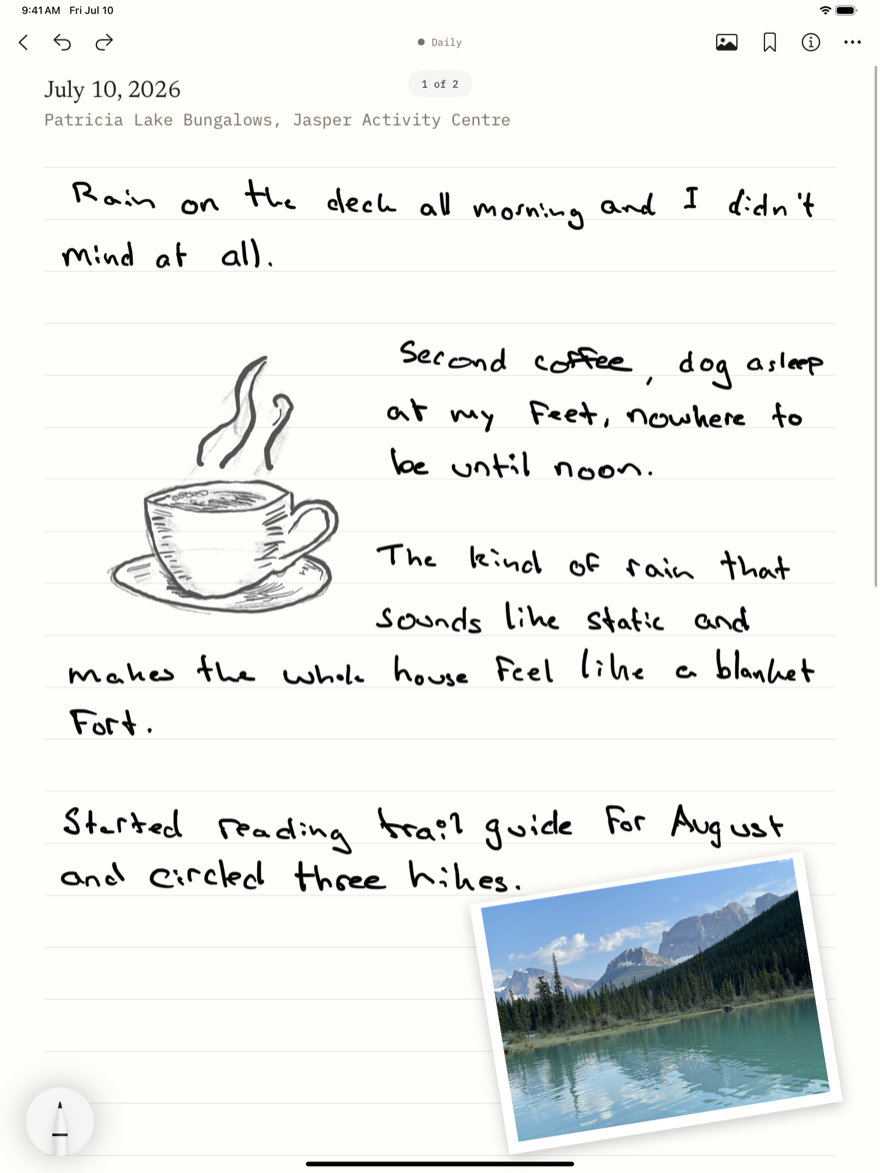
Pick up the Pencil and write.
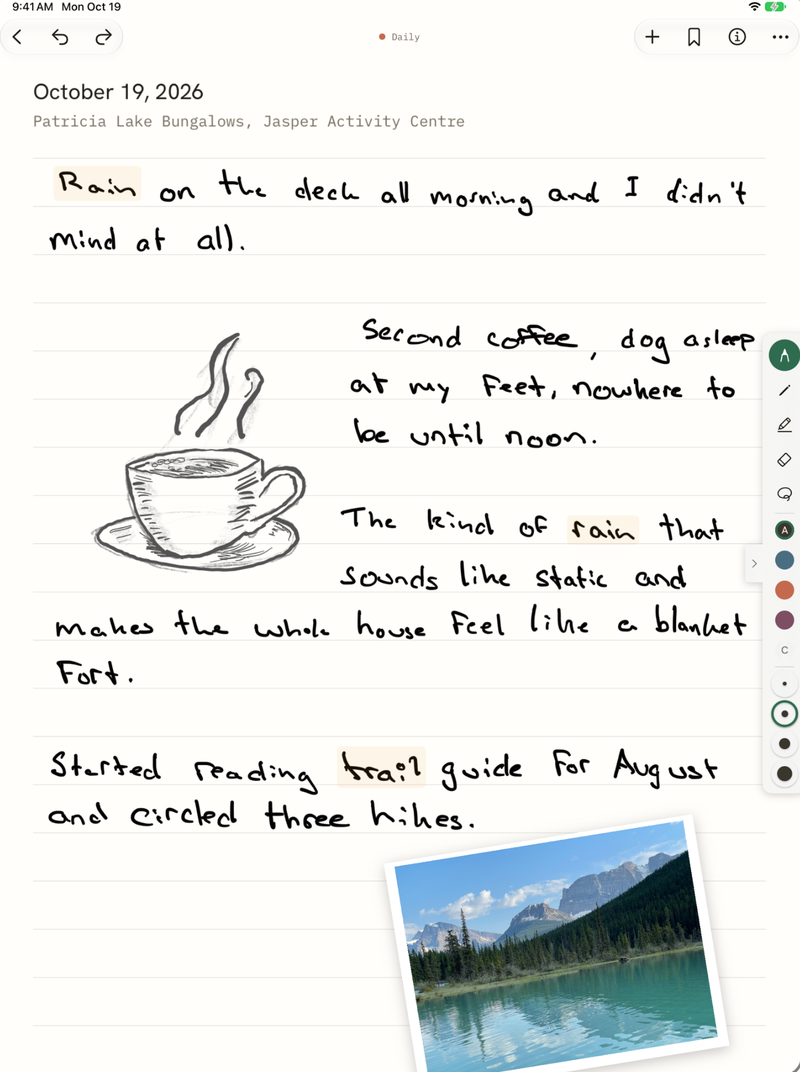
The pencil always draws, and your fingers never leave a mark. Write past the bottom of the page and it just keeps going.
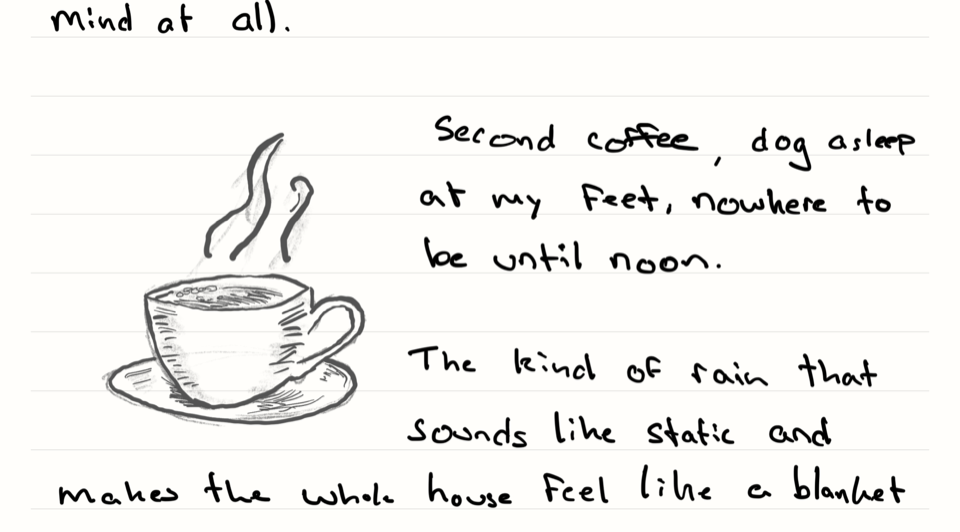
Choose your paper.
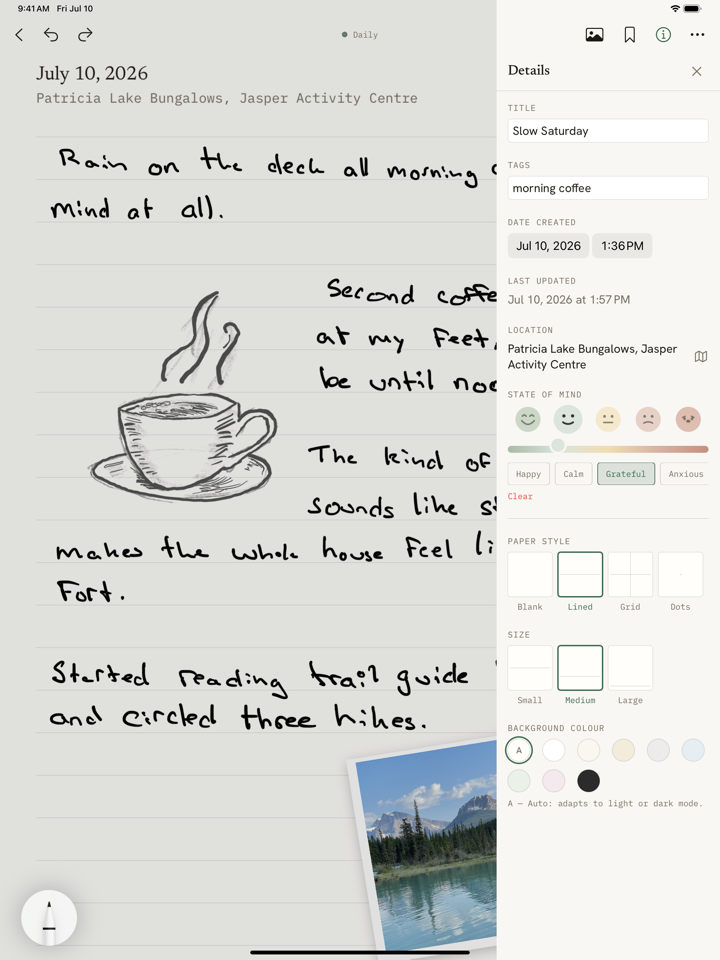
Blank, lined, grid, or dots. The same entry reads a little differently on each.
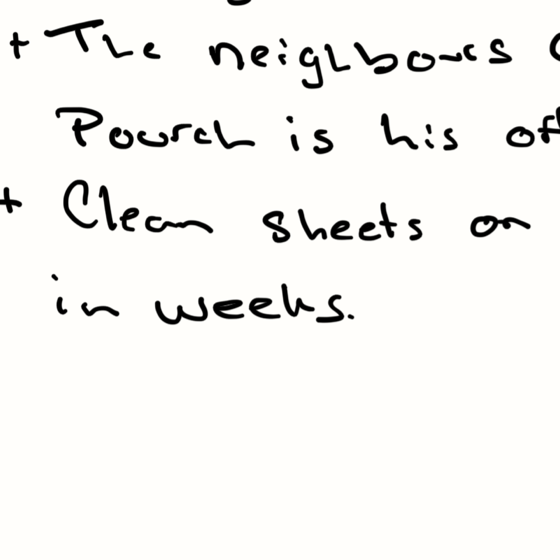
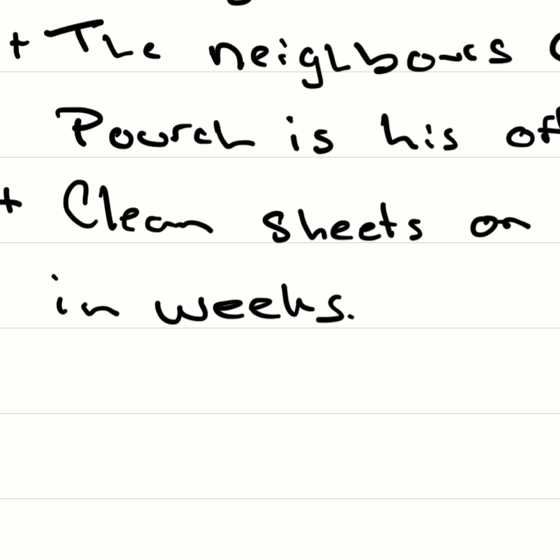
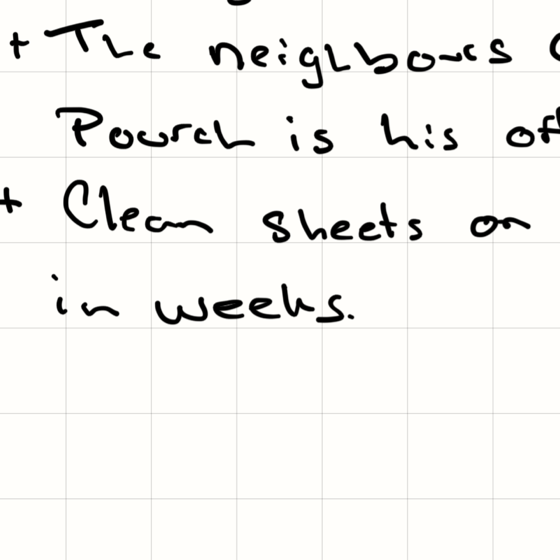
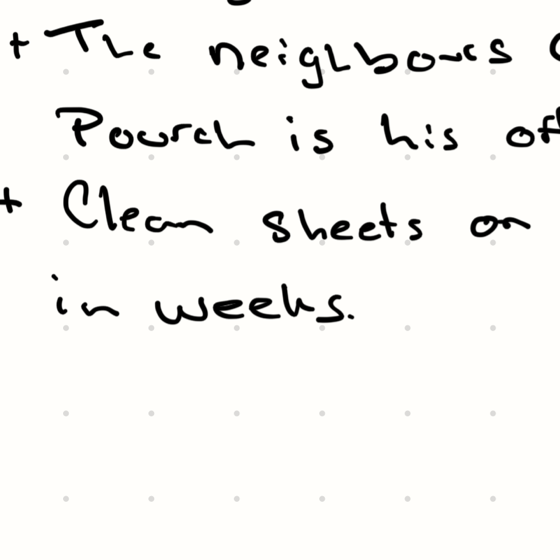
Keep more than one notebook. Muted covers, each with its own paper.
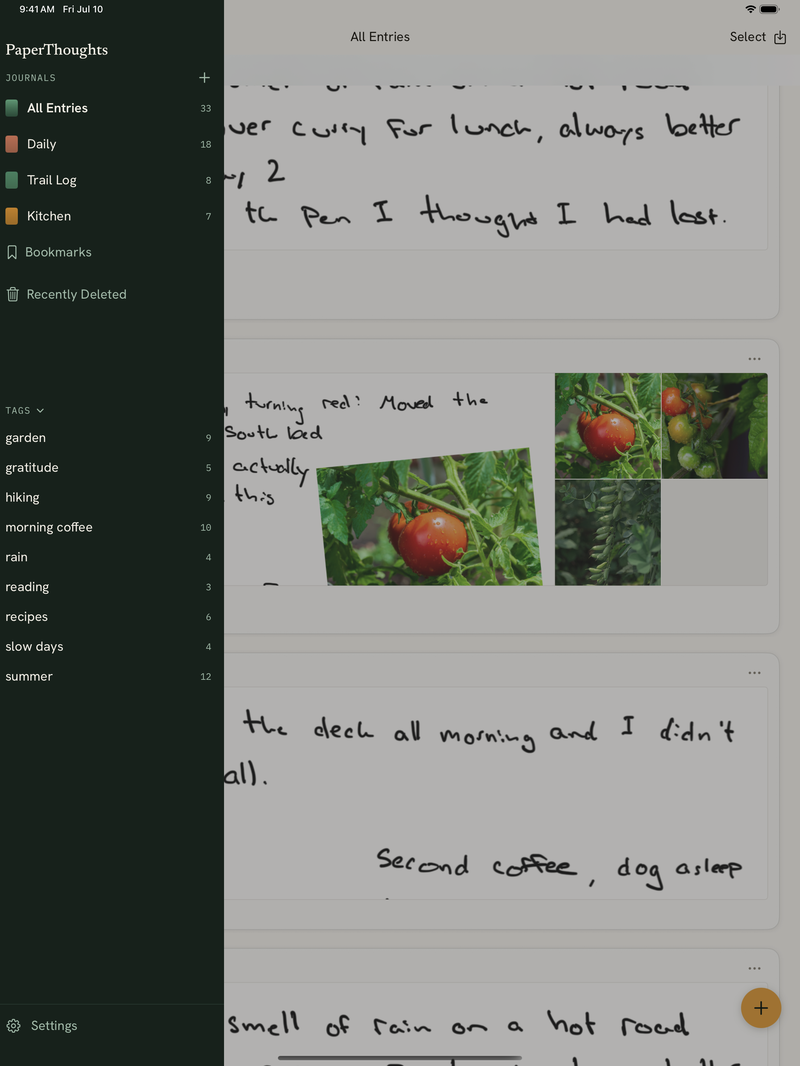
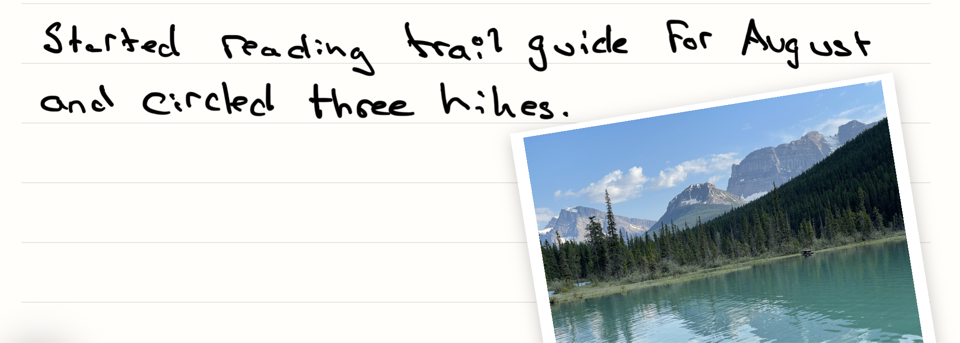
Your photos and places, on the page.
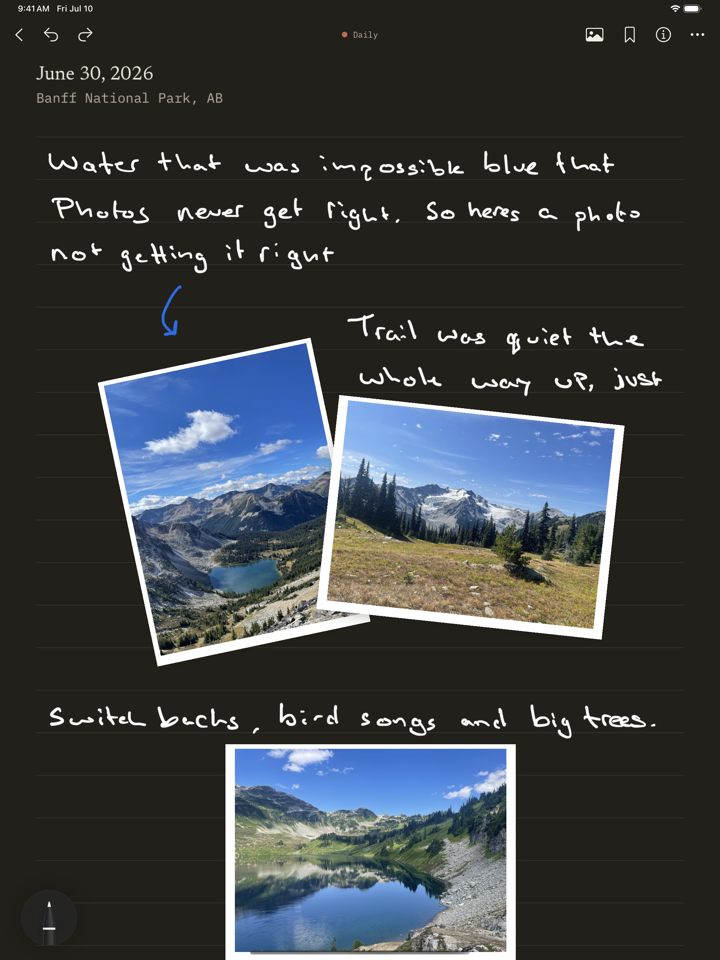
Photos sit in little frames you place with your fingers. Add where you were with a tap, and it shows up as text, not a map.
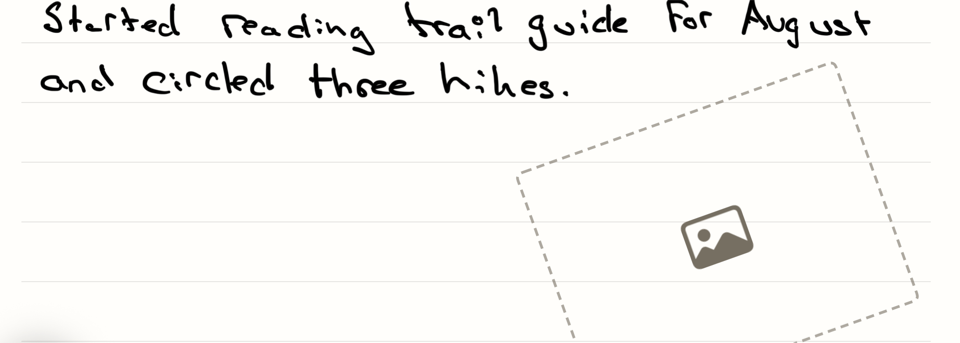
No photo yet? Drop an empty frame now and add the picture tonight.
Your journals are stored in your iCloud. I never see them.
- No accounts.
- No servers of mine.
- Locked with Face ID.
Free to write in.
Every feature is free, up to three journals with five entries each. Premium lifts the limits for $3.99 a month, $24.99 a year, or $59.99 once and yours for good. Either way your writing is never locked, and you can export all of it whenever you want.

What's inside
Every feature, in both tiers. Premium removes the limits.
| Feature | Free | Premium |
|---|---|---|
| Limits | ||
| Journals | 3 | Unlimited |
| Entries per journal | 5 | Unlimited |
| Read and exportNever locked, even if Premium lapses. | Always | Always |
| Write | ||
| Pencil-first canvasThe pencil always draws, and your fingers never mark the page. | ✓ | ✓ |
| Pages that growWrite past the bottom and the page keeps going. | ✓ | ✓ |
| Paper stylesBlank, lined, grid, or dots, in three sizes. | ✓ | ✓ |
| Paper coloursNine colours, including auto light and dark. | ✓ | ✓ |
| Ink coloursPick your ink from a row of swatches. Pen and pencil share it. | ✓ | ✓ |
| Journaling promptsA question to drop onto the page and answer in ink, for blank-page days. | ✓ | ✓ |
| Typed entriesSerif type on the same paper, for keyboard days. | ✓ | ✓ |
| Dark modeYour ink re-renders for dark paper. | ✓ | ✓ |
| Keep | ||
| Photos in framesPlace, tilt, and crop them with your fingers, then write around them. | ✓ | ✓ |
| Photo placeholdersDrop an empty frame now, add the picture tonight. | ✓ | ✓ |
| Location, one tapReal place names, or drop the pin yourself. | ✓ | ✓ |
| State of mindHow the day felt, if you want it. Saved privately to Apple Health. | ✓ | ✓ |
| Daily reminderAn optional nudge to write, at a time you choose. Never a streak. | ✓ | ✓ |
| Works offlinePlaces and sync catch up when you are back. | ✓ | ✓ |
| Organize | ||
| Multiple journalsSix muted covers, each with its own paper. | ✓ | ✓ |
| TagsSimple labels that filter across every journal. | ✓ | ✓ |
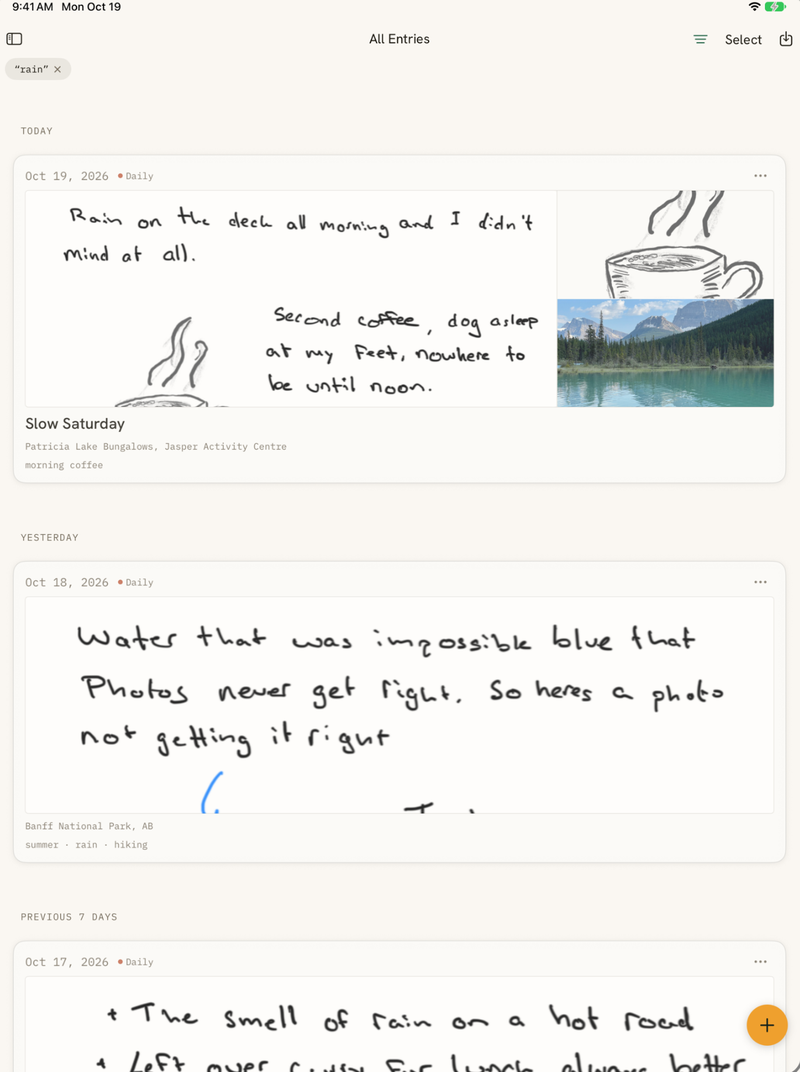
| Handwriting searchFind the words you wrote by hand. On iOS 27, read on your iPad. | ✓ | ✓ |
| BookmarksA whole entry, or a single handwritten passage. | ✓ | ✓ |
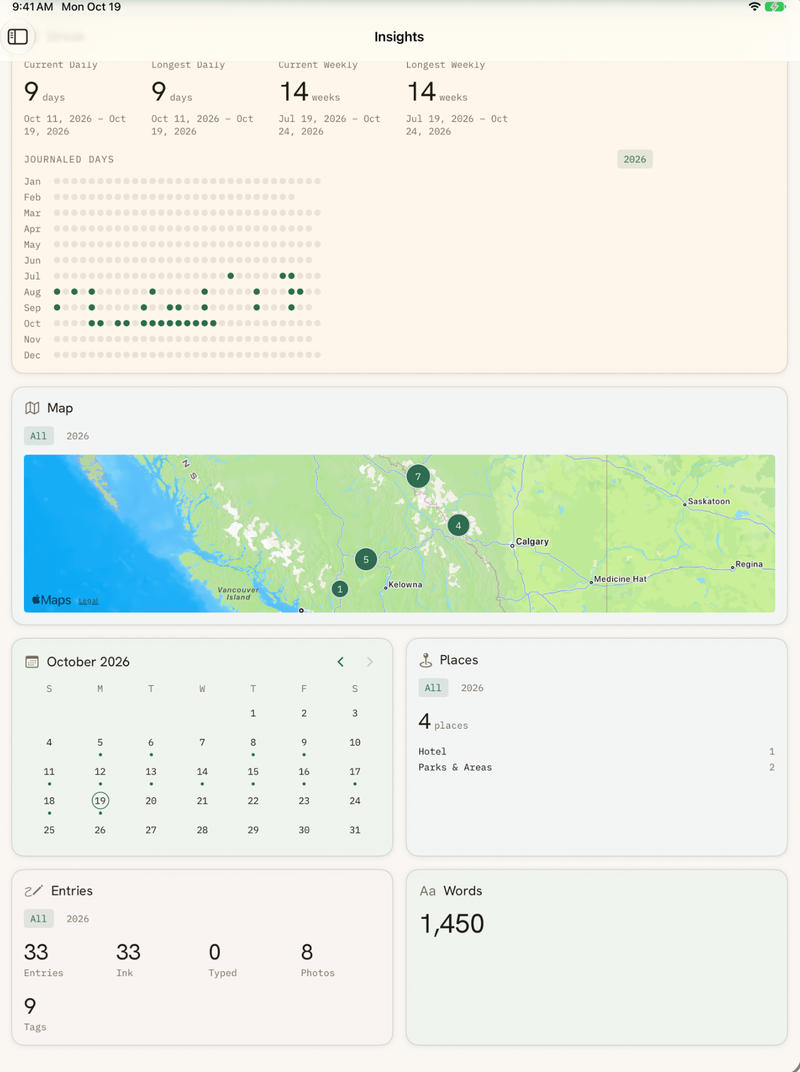
| A look backCalendars of writing days and places. Never scores. | ✓ | ✓ |
| Home Screen widgetsWriting days and places, at a glance. | ✓ | ✓ |
| Recently DeletedThirty days to change your mind. | ✓ | ✓ |
| Yours | ||
| iCloud syncYour iCloud, across your devices. No accounts of mine. | ✓ | ✓ |
| Face ID lockThe journal locks like a diary. | ✓ | ✓ |
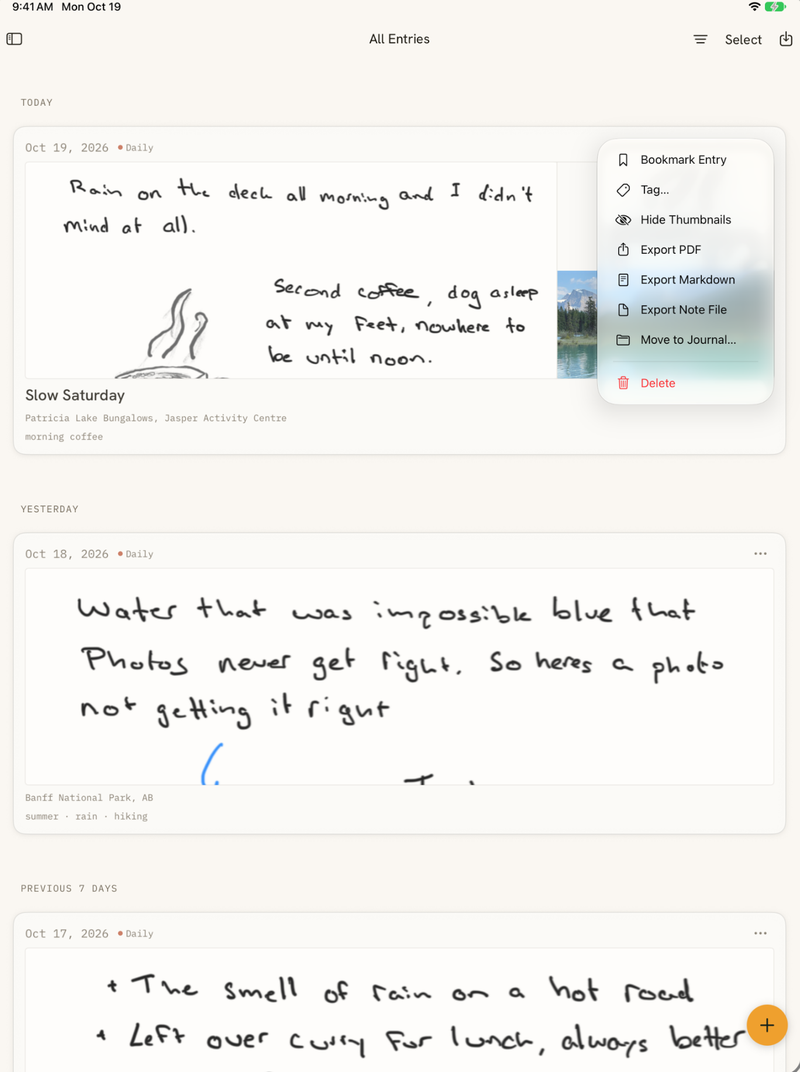
| PDF, Markdown, and portable exportsEntries or whole journals, out anytime. | ✓ | ✓ |
| iPhone companionRead anywhere, and jot a typed thought. | ✓ | ✓ |
Questions
Do I need an Apple Pencil?
Yes. It's built around the Pencil, so the page always draws and your finger never smudges it. If you set the Pencil down, typed entries still work, and the iPhone companion lets you read and jot from anywhere.
What does it cost?
Nothing to start. Every feature is free for three journals with five entries each. Premium lifts the limits for $3.99 a month, $24.99 a year, or $59.99 once. Either way your writing is never locked. You can read and export all of it, even if Premium lapses.
What about iPhone?
There's an iPhone companion. You can read your whole journal, pinch into your ink, and jot a typed thought while you're out. Handwriting stays on iPad, where it belongs.
Where is my data?
In your own iCloud, synced across your devices. I have no servers and no accounts, so I never see a word you write. Lock it with Face ID, and it all works offline.
Can I get my writing out?
Anytime. Export a single entry or a whole journal as a PDF, as Markdown, or as a portable file you can keep or move elsewhere. It's your writing, so it's never trapped in the app.
Is there handwriting search?
Yes, on iOS 27. Your handwriting is read on your iPad by Apple's own recognizer, so every word you wrote by hand is a search away. Open a result and it scrolls to the words. On earlier versions of iPadOS, search covers titles, tags, and typed pages, and you can still filter by journal, place, tag, or date.